- Published on
Using Dracula Theme with Tailwind Typography Plugin
Seeding 🌱
In this very website I'm using Tailwind Typography plugin and the Dracula theme plugin. I have both light and dark theme options available and I wanted to use the Dracula colors in the dark theme.
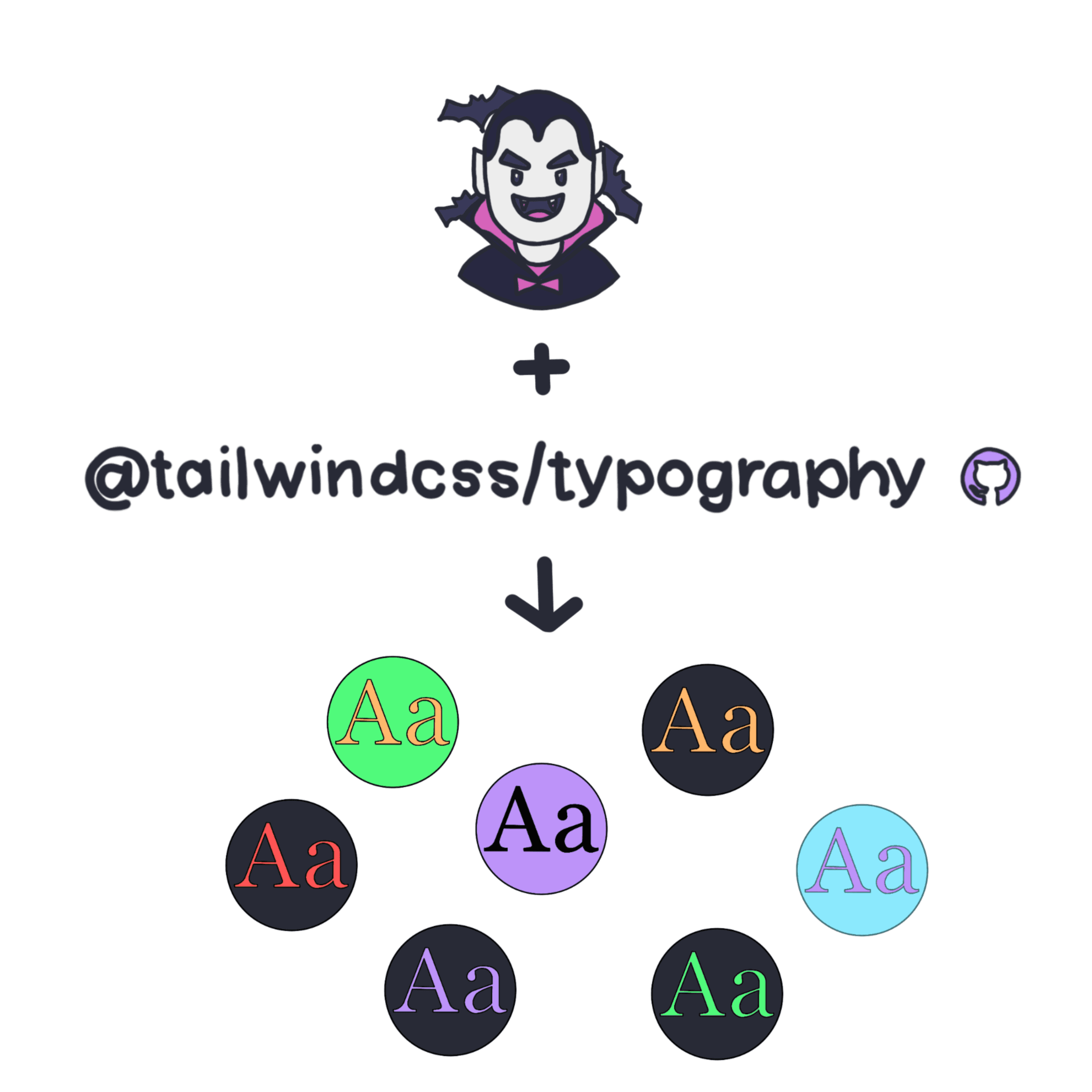
If you're already used to TailwindCSS plugins and know how to extend them, you can check the following config example:
module.exports = {
  darkMode: 'class',
  theme: {
    extend: {
      typography: (theme) => ({
        invert: {
          css: {
            '--tw-prose-code':
              theme('colors.dracula-pink.400'),
            '--tw-prose-invert-links':
              theme('colors.dracula-purple.300'),
          },
        },
      }),
    },
  },
  plugins: [
    require('tailwind-dracula')('dracula', true),
    require('@tailwindcss/typography'),
  ],
};
This way you have access to all the colors defined in the Dracula theme under the theme object. This following code should be using Dracula pink[400] color: #fd55b6 and this link should be using Dracula purple[300] color #bd93f9. Of course, that is only true if the website is set to dark mode for you.